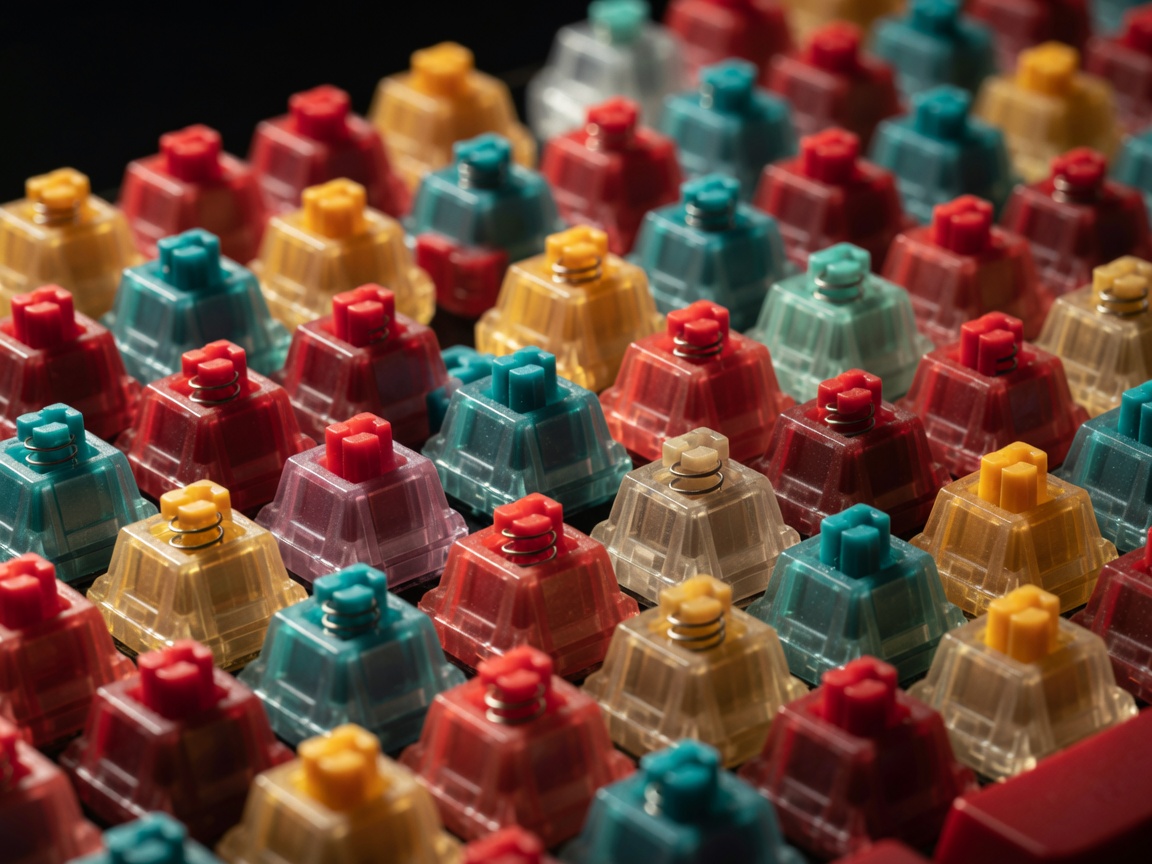
Introduction to Mechanical Switches
The switch is arguably the most critical component of a custom mechanical keyboard. Positioned beneath every individual keycap, it is the mechanism responsible for registering your keystrokes and delivering the physical feedback you feel and the sound you hear. Unlike rubber dome or membrane keyboards, which rely on a single, continuous sheet of silicone to complete an electrical circuit, mechanical keyboards utilize independent mechanical components for every single key.
Choosing the right switch is a highly subjective journey. Your preference will depend heavily on your typing style, your environment, and whether you primarily use your board for high-speed gaming, long-form typing, or general productivity. Understanding the core categories and components of these mechanisms will empower you to make an informed choice.
The Three Main Switch Categories
Linear Switches
Linear switches are defined by their smooth, uninterrupted travel from the top of the keystroke down to the bottom-out point. There is no tactile bump or audible click to indicate when the keystroke has been registered by the keyboard's logic board. Manufacturers like Cherry, Gateron, and Kailh produce numerous variations of linear switches.
Pros: Excellent for gaming due to rapid, predictable keypresses; generally quieter than other switch types; incredibly smooth feel, especially when lubricated.
Cons: Without tactile feedback, typists prone to resting heavy hands on the board may experience accidental keystrokes.
Tactile Switches
Tactile switches are designed to provide physical feedback during the keystroke. As you press the key down, you will feel a distinct "bump" before the switch hits the bottom. This bump coincides closely with the actuation point—the moment the keypress is sent to the computer.
Pros: Ideal for touch typists who benefit from knowing exactly when a key registers; helps prevent "bottoming out" (pressing the key all the way down forcefully), which can reduce finger fatigue over long typing sessions.
Cons: The physical bump can feel jarring to those who prefer completely smooth travel, and highly tactile switches can sometimes introduce slight acoustic rattles if not properly tuned.
Clicky Switches
Clicky switches are a subset of tactile switches, but they include an additional mechanism designed to generate a sharp, audible "click" sound when the switch is actuated. Classic examples include the Cherry MX Blue. Modern iterations by companies like Kailh utilize a "click bar" mechanism to produce a cleaner, sharper sound on both the downstroke and upstroke.
Pros: Provides both distinct tactile feedback and clear auditory confirmation of every keypress; incredibly satisfying for nostalgic typists.
Cons: Exceedingly loud. Using clicky switches in an open-plan office or a shared living space is generally discouraged as the sharp noise can be highly disruptive to others.
Switch Components and Materials
Beyond the core mechanism, modern custom switches differentiate themselves through the materials used in their construction. A switch typically consists of four main parts: the top housing, the bottom housing, the stem, and the spring.
- Polycarbonate (PC): Often used for top housings. It produces a higher-pitched, sharper sound (often referred to as "clack"). It is also transparent, making it excellent for keyboards with RGB backlighting.
- Nylon: A softer plastic frequently used in bottom housings. Nylon absorbs more sound vibrations, resulting in a deeper, more muted acoustic profile (often called "thock").
- POM (Polyoxymethylene): Primarily used for the stem due to its naturally low friction coefficient. POM stems slide smoothly against other plastics, and this self-lubricating property is highly valued in linear switches.
Springs and Actuation Force
The spring inside the switch dictates its weight—how hard you must press to register a keystroke. Switch weight is usually measured in grams of force (gf). A light spring (e.g., 45gf) requires very little effort, making it great for rapid gaming but potentially prone to typos. A heavier spring (e.g., 67gf or 80gf) requires deliberate force, which many heavy-handed typists prefer.
Additionally, modern custom springs come in various lengths and stages. "Slow" or long springs maintain a more consistent resistance throughout the entire keystroke, whereas standard springs get progressively heavier as they compress.